GUIDESEPISODES
Claude Code long sessions: cache, TASKS.md, /btw
You typed one word after lunch and your usage bar jumped. Nothing broke: the prompt cache expired while you were away, so Claude reread the whole chat at full price. Claude gives you a night tour of his castle, one room per tip, each checked against Anthropic’s own docs.
01ROOM 1 · THE COFFIN
Why one word after a break costs so much
Why it mattersThe cost of a break isn’t the break. It’s the first word after it.
Here’s the story. You worked with Claude all morning, went to lunch, came back and typed “ok”. Your usage bar jumped like you’d sent a novel.

Open the full chapterIncludes a table, a note, code
That’s the cache. Every time you send a message, Claude Code sends the whole conversation again: the system prompt, your project context, every earlier message and tool result. Prompt caching lets it reuse the part it already processed. It bills that re-read at the cached token rate and fully processes only what changed.
The cache doesn’t wait forever. The docs: “Cached prefixes expire after a period of inactivity. Each request that hits the cache resets the timer.” After a long enough gap, “the next request recomputes the full input.”
How long the cache lasts
| Request | Claude subscription, within plan usage | Usage credits, API key, or cloud provider |
|---|---|---|
| Your main conversation | One hour | Five minutes |
| Everything else (subagents, workflows, compaction, session titles) | Five minutes, except a few helper requests Anthropic controls, which get one hour | Five minutes |
So on a Pro or Max plan, a coffee break is fine and a long lunch isn’t. With an API key, five minutes away is enough.
Choosing the lifetime yourself
With an API key or a cloud provider, you can ask for the one-hour lifetime with the promptCacheTtl setting. It takes 5m or 1h and needs Claude Code v2.1.242 or later.
{
  "promptCacheTtl": "1h"
}
The one-hour lifetime charges a higher rate for cache writes. It pays off when you leave a session idle and come back, not on short bursts of work.
02WAKING UP
Back from a break: /clear, /compact, or keep going
Why it mattersA fresh page is free. Rereading the whole book isn’t.
You’re back and the cache is probably cold. What you do next decides the bill.

Open the full chapterIncludes a table, code, a note
| You’re back and… | Do this | Why |
|---|---|---|
| Starting something new | /clear <name> | The docs: “When you want a fresh start instead of continuity, /clear costs nothing.” The name labels the old chat in the /resume picker |
| Continuing the same task, back within the lifetime | Keep going | The cache is still warm, so the history is read at the cached rate |
| Continuing after a long break, in a huge chat | Think before /compact | /compact reads the whole conversation it summarizes. After the cache expires, that is a large uncached request |
| Abandoning a path you went down | /rewind to an earlier turn | Rewinding goes back to a prefix that is already cached, instead of building a new one |
/clear login-bug     # new chat; the old one is labelled "login-bug" in /resume
/resume              # pick it up again later
/usage               # plan usage, the Prompt cache (main) line, and what's eating your plan
/clear also has the aliases /reset and /new.
See what’s eating your plan
/usage shows your session, plan usage limits and activity. On a Pro, Max, Team or Enterprise plan it also breaks down what counts against your limits. It recommends a change for behaviors behind 10% or more of your recent usage, such as long context or cache misses. Press d or w to switch between the last 24 hours and the last 7 days.
03ROOM 2 · THE FRIDGE
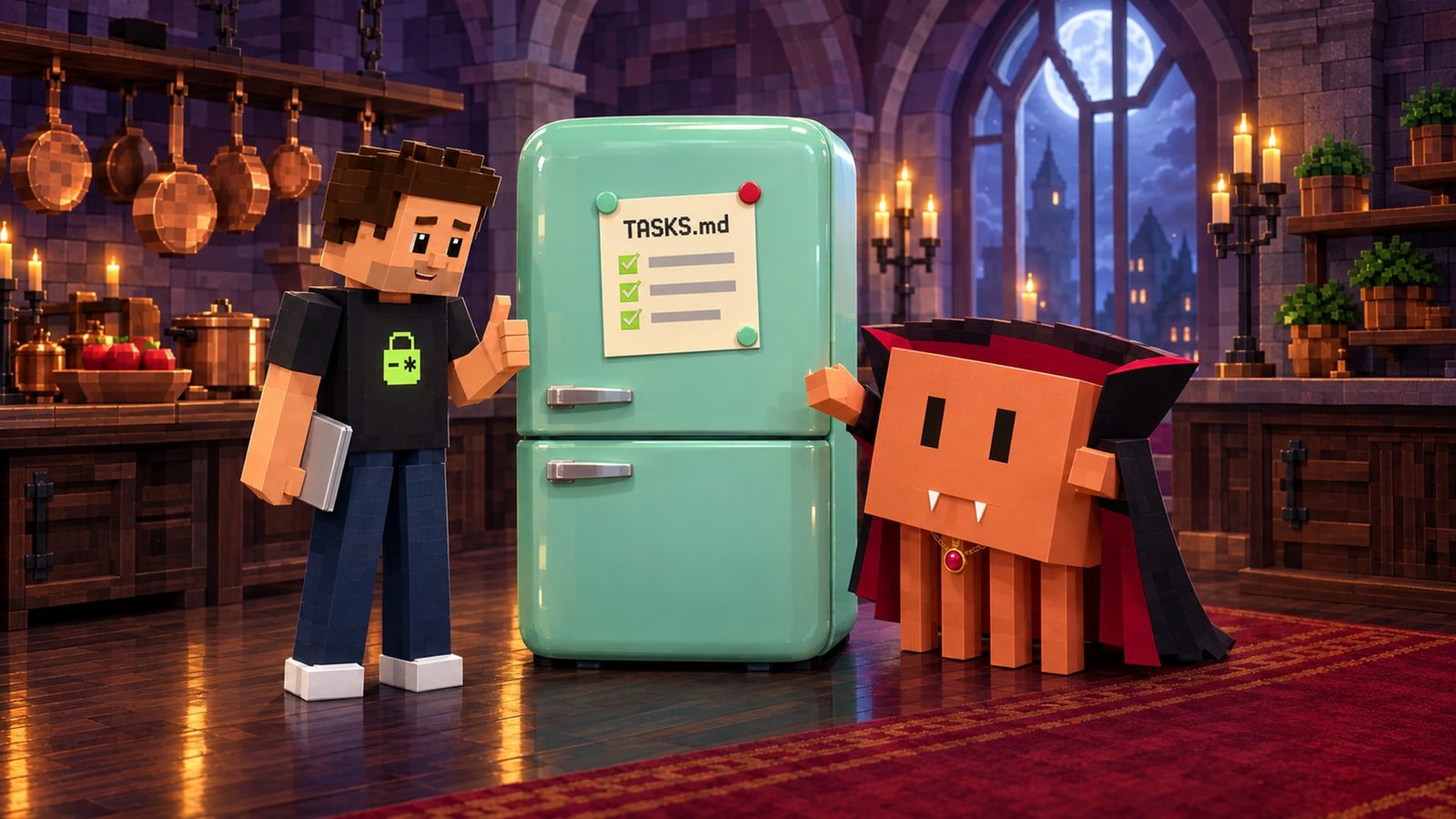
Keep the to-do list in TASKS.md
Why it mattersWhat’s in the chat can be summarized. What’s in a file is still there tomorrow.
Long runs fill the context window. When it fills, Claude Code summarizes older turns to make room. A plan you typed two hours ago can come back as one line of summary.
Open the full chapterIncludes code, a note
Anthropic’s advice for long runs on Opus 5.5 is simple: keep the task list in a file. “A list in a file survives that.” Ask for it in plain words:
Keep a checklist in TASKS.md. Tick each item when it's done, and add anything new you find.Anthropic’s own wording. Then read the file, not the scrollback, to see where the run is.
Put the house rule on line one
A checklist file is also a good place for the one rule that must never slip. Line one is the first thing anyone reads, Claude included:
Never commit .env. Keys stay on the server.

## Tasks
- [x] Add the signup form
- [x] Validate the email field
- [ ] Send the welcome email from the server route
- [ ] Add a test for a duplicate email
- [ ] (found) The reset link page has no loading state
Tick items as they’re done. New things Claude finds go at the bottom as new items.
TASKS.md isn’t a special Claude Code feature. It’s a plain file you ask for, which is why it works with any agent that can read and write files.
04HOUSEKEEPING
What compaction keeps, re-reads and drops
Why it mattersRules that live in files come back. Rules that live in the chat get summarized.
Compaction replaces your message history with a summary. Some things come back on their own and some don’t. This is the docs’ list, shortened:
Open the full chapterIncludes a table, code, a note
| What | After compaction |
|---|---|
| System prompt and output style | Both still apply |
Project-root CLAUDE.md and unscoped rules | Re-injected from disk |
| Auto memory | Re-injected from disk |
| The plan Claude wrote in plan mode | Re-injected from disk |
| Files Claude read or edited | Up to five re-read, most recently modified first |
| Invoked skill bodies | Re-injected, capped at 5,000 tokens per skill and 25,000 in total |
Rules with paths: and nested CLAUDE.md files | Reloaded on demand, when Claude touches a matching file again |
| Everything you said in the chat | Summarized with the rest of the conversation |
That last row is the one that bites. A rule you only typed in the chat is now a line in a summary, if it survived at all.
Tell the summary what to keep
Run /compact with a focus before a big new task, like /compact focus on the auth bug fix. Or put standing instructions in your project’s CLAUDE.md:
# Compact instructions

When you compact, keep the full list of files you changed,
the test command, and any rule from TASKS.md line one.
The docs show a # Compact instructions section like this one. Keep it short; CLAUDE.md loads every session.
05ROOM 3 · THE BUTLER
/btw: ask on the side, keep the chat clean
Why it mattersSide questions are fine. Side questions that live in your chat forever aren’t.
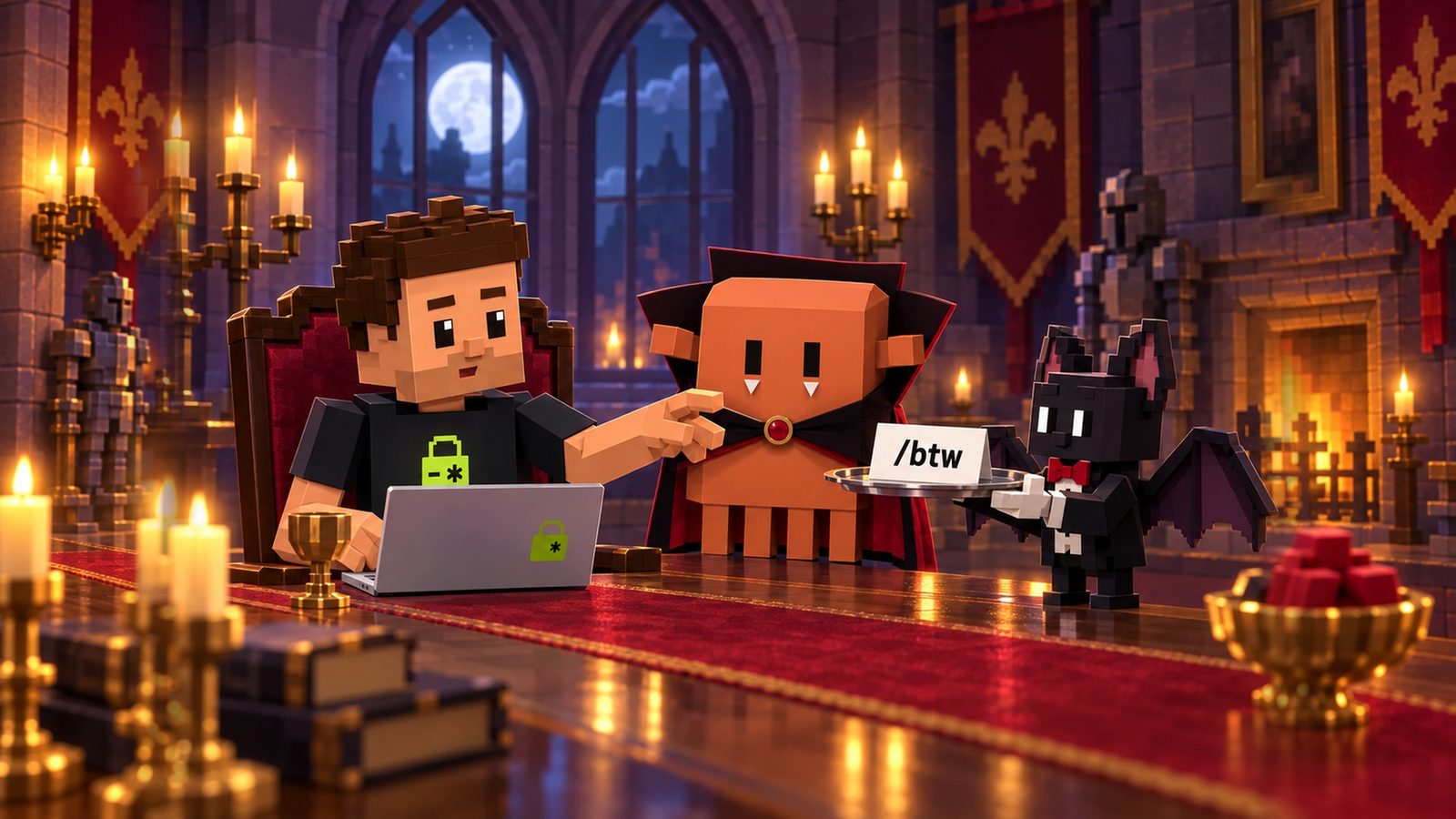
Mid-task, you wonder what an error means or what a file was called. Ask in the chat and the question and answer stay in your context for the rest of the session. Ask the butler instead:
Open the full chapterIncludes code, a note
/btw what was the name of that config file again?The example from the docs. The answer appears in an overlay you can dismiss.
The best practices page: “For questions that don’t need to stay in context, use /btw. The answer never enters conversation history, so you can check a detail without growing context.”
What the butler can and can’t do
- Sees the whole session: your messages, Claude’s replies and the tool results so far, plus your earlier side questions.
- Has no tools: it can’t read files, run commands or search. It answers only from what’s already in context.
- Answers once: to continue, ask another
/btw. Pressfto hand the question to a forked subagent with full tools. - Works while Claude is busy: it runs alongside the main turn without interrupting it.
- Costs little while the cache is warm: the docs say a side question then “costs little beyond the answer itself.”
Run /btw with no question to reopen your most recent answer. In the overlay, c copies the answer as Markdown and x clears the earlier side questions.
06ROOM 4 · THE GRANDFATHER CLOCK
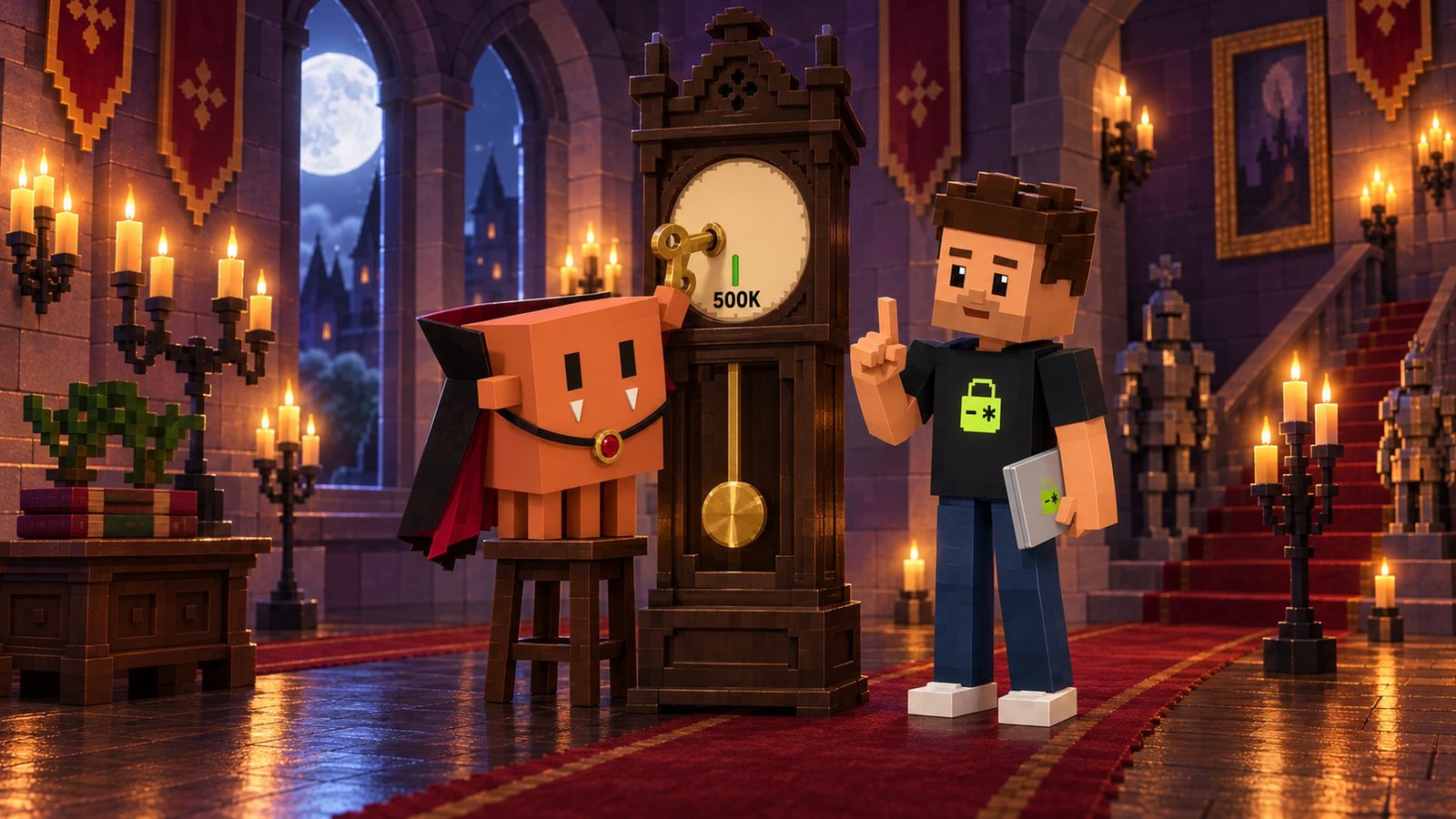
/autocompact 500k: tidy up before it’s full
Why it mattersA tidy half-full window beats a crowded full one.
Why tidy up early? Anthropic’s best practices answer it: “LLM performance degrades as context fills. When the context window is getting full, Claude may start ‘forgetting’ earlier instructions or making more mistakes.”
Open the full chapterIncludes code, a table, a note
Models with a native 1M window include Opus 4.7 and later, Sonnet 5 and later, Haiku 5.5 and the Fable models. By default they compact before the window fills, “at about 967K tokens.” /autocompact moves that point.
/autocompact 500k     # this model compacts at 500,000 tokens from now on
/autocompact          # opens a dialog that shows the current window
/autocompact auto     # back to the window tuned for your model
Needs Claude Code v2.1.221 or later. Sizes from 100K to 1M: 200000, 500k, 1M, or a bare 200 for 200,000.
The value is saved to your user settings under the current model, from v2.1.288, and applies to the session right away. Claude Code caps it at the model’s context window.
Who wins when there’s more than one setting
| Where it’s set | Scope | What beats it |
|---|---|---|
CLAUDE_CODE_AUTO_COMPACT_WINDOW environment variable | Scripts and cloud environments | Nothing here. It wins over the command, the flag and the setting |
claude --autocompact 500k flag | One launch, without changing your saved value | The environment variable |
/autocompact 500k | The current model, saved in user settings | The variable, the flag, and a window set by a higher scope such as managed settings |
autoCompactWindow in settings.json | Every model | All of the above, including a per-model value saved in the same file |
{
  "autoCompactWindow": 500000
}
One window for every model. A window saved with /autocompact for a model takes precedence over this key in the same file.
07THE WHOLE TOUR
The crib on one page
Why it mattersNap, list, ask, tidy. Then ship.
Keep this next to your editor.

Open the full chapterIncludes a table, a note
| Room | Do this | What it saves you |
|---|---|---|
| The coffin | /clear <name> after a long break when you start something new; /usage to see cache misses | Paying full price to reread a chat you’re done with |
| The fridge | Ask for a checklist in TASKS.md, house rule on line one | A plan that shrinks to one line of summary |
| The butler | /btw <question> | Side questions that stay in your context |
| The clock | /autocompact 500k | A window so full Claude starts forgetting instructions |
Look inside the window with /context
/context shows what’s filling your window right now, as a colored grid by category. It adds suggestions for context-heavy tools, memory bloat and capacity. Run /context all to expand the breakdown. It’s the fastest way to see whether a long session needs the clock, the fridge or a fresh page.
Then paste the prompt at the top of this page into Claude Code. It writes TASKS.md with the house rule on line one, checks your .gitignore, and waits for your OK.
THE QUICK READ
What to take away.
In one minute.
- 01
Claude Code sends your whole conversation with every message. The prompt cache lets it reuse what it already processed, at the cached token rate.
- 02
The cache expires after a break. On a Claude subscription within plan usage, the main conversation gets one hour. On usage credits, an API key or a cloud provider, five minutes.
- 03
Your first message after a longer break misses the cache and reprocesses your full context.
- 04
Want a fresh start instead?
/clearcosts nothing. - 05
/compactafter a long break is itself a large request: there is no cache left to read. - 06
For a long run, ask Claude to keep its checklist in
TASKS.md. When older turns get summarized, a list in a file survives that. Put the.envrule on line one. - 07
/btwanswers a side question from what Claude already knows. The answer never enters the conversation history. - 08
/autocompact 500kmakes Claude Code compact earlier. Anthropic’s docs: performance degrades as context fills.
THE TAKEAWAY, IN ONE PASTE
Paste this once. Move into the crib.
Paste this into Claude Code at the start of a long job. It writes one file, TASKS.md, and may propose one .gitignore line. It shows you both before saving, never opens your .env files, and waits for your OK.
Set this project up for a long Claude Code session. Never open or read .env files, and never print a key.
1) Create TASKS.md in the project root. Put this house rule on line one, exactly: "Never commit .env. Keys stay on the server."
2) Under it, add a "## Tasks" checklist with one "- [ ]" line for each step of the job I describe next. One short line per item.
3) While you work, tick each item in TASKS.md as soon as it's done, and add anything new you find as a new item. Keep the file short. After any compaction, and before you tell me the job is finished, read TASKS.md again.
4) Check that .gitignore lists .env and .env*.local. If a line is missing, show me the exact line you would add.
5) Remind me of three commands: /btw <question> for side questions that should stay out of this chat, /autocompact 500k to compact before the window is nearly full, and /clear <name> when I'm back from a long break and starting something new.
Show me TASKS.md and any .gitignore change before you save them. Wait for my OK.
Paste it into the agent you already build with
- Claude
- ChatGPT
- Gemini
- Cursor
- Copilot
QUESTIONS PEOPLE ASK
Good questions.
Short answers.
How long does Claude Code’s prompt cache last?
For your main conversation, one hour on a Claude subscription within plan usage, and five minutes on usage credits, an API key or a cloud provider. Each request that hits the cache resets the timer. Subagents and other side requests get five minutes by default.
Why did my Claude Code usage jump after a break?
Your first message after a break longer than the cache lifetime misses the cache and reprocesses your full context. In a long chat, that one message can cost as much as rereading the whole conversation.
Does /clear cost anything?
No. Anthropic’s docs say /clear costs nothing when you want a fresh start. Use /clear <name> to label the old conversation, then find it again in /resume.
Should I run /compact after a long break?
Only if you need the history. /compact reads the conversation it summarizes, and after the cache expires that is a large uncached request. If you’re starting something new, /clear is the cheaper move.
What is TASKS.md in Claude Code?
It isn’t a built-in feature. It’s a plain checklist file you ask Claude to keep, as Anthropic suggests for long runs: “Keep a checklist in TASKS.md. Tick each item when it’s done, and add anything new you find.” A list in a file survives when older turns get summarized.
What does /btw do in Claude Code?
It asks a side question about the current session. Claude answers from what’s already in context, without tools, and the question and answer never enter the conversation history. Run /btw alone to see your last answer again.
How do I make Claude Code compact earlier?
Run /autocompact 500k (v2.1.221 or later). It saves the window for the current model in your user settings. /autocompact auto returns to the default; on models with a native 1M window, that is about 967K tokens.
Does Aster check my Claude Code usage or cache?
No. Aster reads your GitHub repository and flags keys committed in your code, committed .env files and a missing .gitignore. Your cache, usage and Claude Code settings are yours to manage with this guide.
Nap with a timer, keep the list on the fridge, send side questions to the butler, and set the clock early. Before you ship what the long session built, check the repo: your first Aster repository audit is free, and it flags keys committed in your code, committed .env files and a missing .gitignore.
Source notebook8 links
- Claude Code Docs: How Claude Code uses prompt caching (cache lifetime, which TTL each request gets)
- Claude Code Docs: Manage costs effectively (why usage climbs in a long session, /usage)
- Claude Code Docs: Commands (/clear, /btw, /autocompact, /context, /usage)
- Anthropic: Getting the most out of Opus 5.5 in Claude and Claude Code (keep the task list in a file)
- Claude Code Docs: Explore the context window (what survives compaction)
- Claude Code Docs: Best practices (manage context, /btw)
- Claude Code Docs: Interactive mode (side questions with /btw)
- Claude Code Docs: Model configuration (set the auto-compact window, default thresholds)