GUIDESEPISODES
Make Claude prove it: 4 habits that catch the trick
Claude says “Done! All tests pass! Production ready!” Then you click the button and nothing happens. It isn’t lying. It stops when the work looks done. Here are four habits that make it show you the proof, in plain words, checked against Anthropic’s own docs.

01THE SHOW
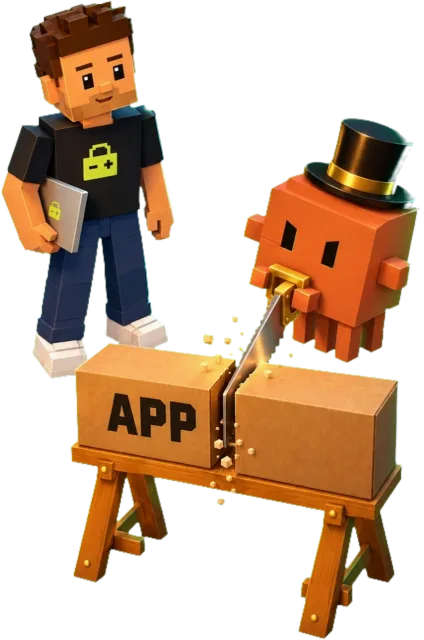
“Done! All tests pass!” is the oldest trick in the show
Why it matters“Done” is a feeling. Test output is a fact.
You ask Claude for discount codes at checkout. A minute later: “Done! All tests pass! Production ready!” You open the app and the code field isn’t there. The tests? There weren’t any.

Open the full chapterIncludes a note
That’s the trick. And it isn’t really lying.
Why Claude says “done” too early
Anthropic’s best-practices guide explains it: Claude stops when the work looks done. Without a check it can run, “looks done” is the only signal it has. Then you become the test, and every mistake waits for you to find it.
So the job is to expose the trick before it ships. Four habits do it: plan first, ask for proof, get a second look, and keep a way back.
02SECRET 1
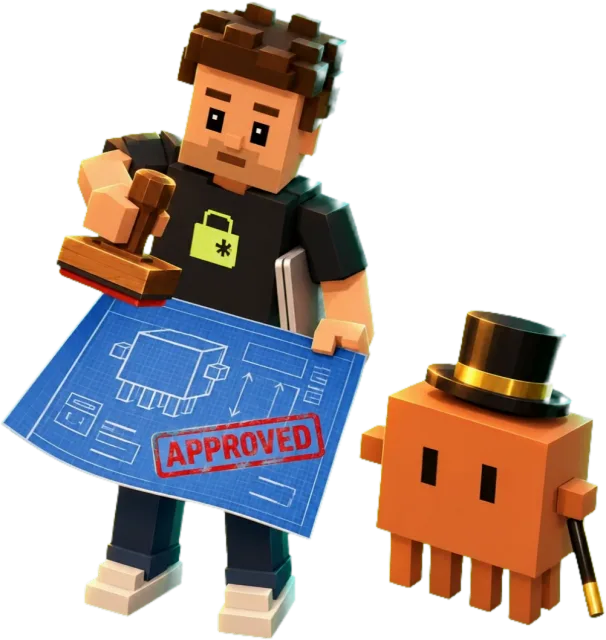
Plan first: see the trick on paper before it happens
Why it mattersA wrong plan costs a minute to fix. Wrong code costs an afternoon.
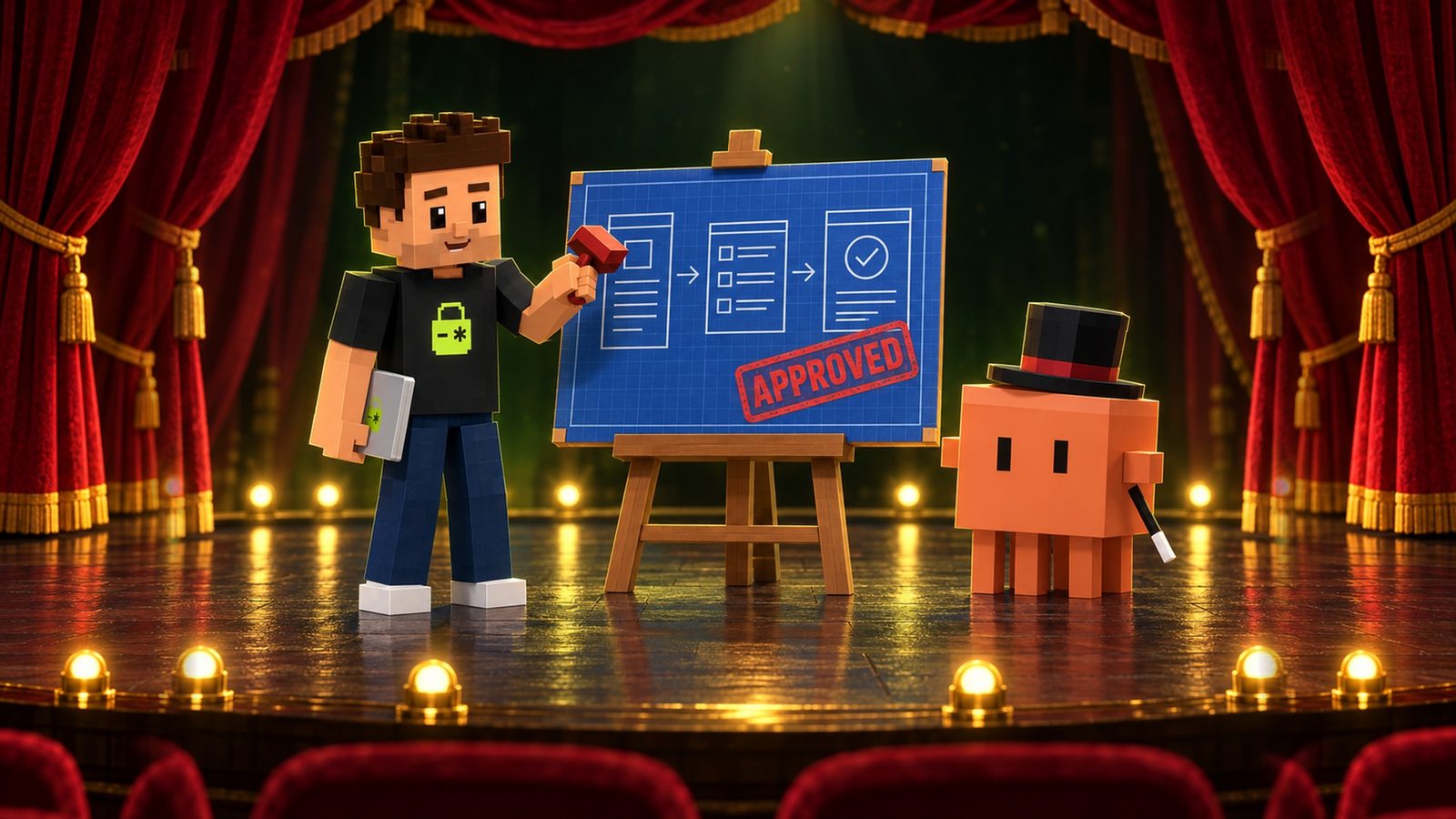
Plan mode tells Claude to research and propose changes without making them. Claude reads files and runs commands to explore. Then it writes a plan, but it doesn’t edit your source. Edits stay blocked until you approve the plan.
Open the full chapterIncludes code, a note
Shift+Tab        press until the status bar shows  ⏸ plan mode on
/plan <task>     plan mode for this one prompt
claude --permission-mode plan     start the whole session in plan mode
Ctrl+G           open the plan in your editor and change it
What to ask while you are in plan mode
Read src/checkout/ and how we take payments.
I want to add discount codes. Which files change?
What does "done" look like? Write the plan, don't edit yet.
Ask for the files it will touch and what “done” looks like. Those two lines are what you check the work against later.
When the plan is ready, Claude asks how to go on. Approve it with Yes, and use auto mode or Yes, manually approve edits, or pick No, keep planning and say what to change.

03SECRET 2
Ask for proof, not “done”: show me the hat is empty
Why it mattersYou can’t argue with output. You can argue with “trust me”.
This is the tip the docs put first. Give Claude a check it can run: tests, a build, a screenshot to compare. Then Claude does the work, runs the check, reads the result and keeps going until it passes.

Open the full chapterIncludes code, a table, a note
add discount codes to checkoutNothing to check, so “looks done” is the finish line.
Add discount codes to checkout.
Write tests for it: a valid code, an expired code, a code used twice.
Run them and paste the exact command and its output.
Don't say done until I can see the output.
A check it can run, and the output you will see.
Evidence beats a promise
The docs say it plainly: have Claude show evidence rather than say it succeeded. That means the test output, the command it ran and what it returned, or a screenshot of the result. Reading evidence is faster than running everything again yourself.
| Claude says | Ask for this instead |
|---|---|
| “All tests pass.” | The test command and its full output. |
| “The build works.” | The build command and its exit code. |
| “The page looks right.” | A screenshot next to the design, with the differences listed. |
| “Fixed the bug.” | A test that failed before the fix and passes after it. |
04SECRET 3
A fresh reviewer spots the wire the magician can’t see
Why it mattersThe magician knows where the wire is. That’s why he never looks at it.
The session that wrote the code is the worst one to grade it. The docs say a fresh context improves code review, because Claude “won’t be biased toward code it just wrote.” So get a second look from a new context.

Open the full chapterIncludes code, a table, a note
/code-review          review the current diff for bugs in a fresh subagent
/code-review high     same, with more effort  (alias: /review)
/security-review      check your branch for injection, auth issues
                      and data exposure (needs an origin remote)
/verify               run the app and check the change really works
/code-review is a bundled skill. It runs in a fresh subagent and sends its findings back to your session.
Two reviews, two jobs
| Command | What it looks at | Good for |
|---|---|---|
/code-review | The current diff (or a PR, branch or path you pass) | Correctness bugs before you ship |
/security-review | Your branch compared with origin’s default branch | Injection, auth issues, data exposure |
/verify | Your running app | Seeing the change actually work |
Review against the plan
To check the work against your plan, write the review prompt yourself:
Use a subagent to review this diff against PLAN.md.
Flag only problems that break the feature or the plan:
bugs, missing tests, anything outside the task's scope.
Skip style preferences.
05SECRET 4
Keep a way back: commit first, rewind when it breaks
Why it mattersUndo only works for what it tracked. Git tracks everything you commit.
Claude Code snapshots files before it edits them. Press Esc twice on an empty prompt, or type /rewind, and pick a message to go back to.
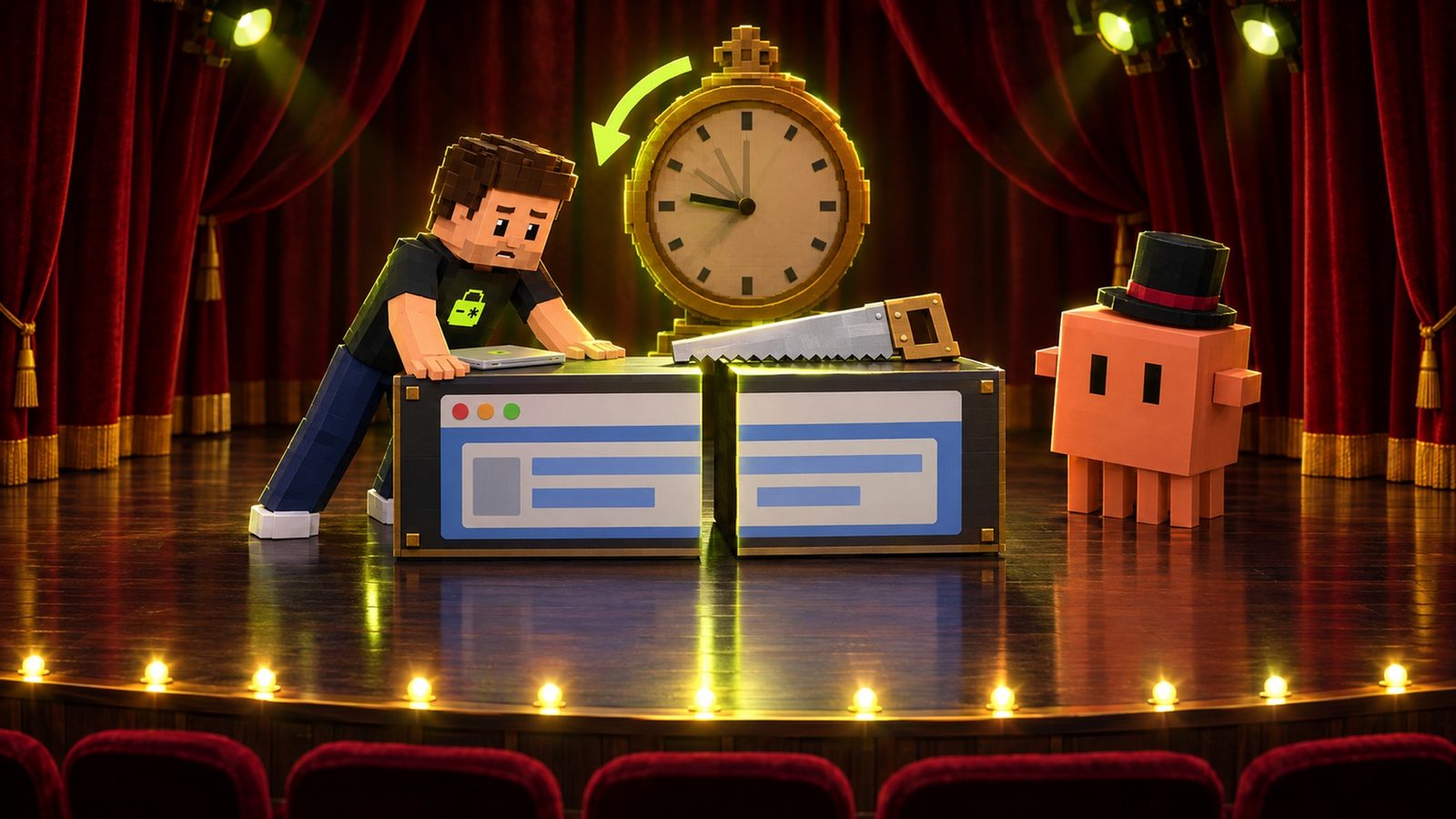
Open the full chapterIncludes code, a table, a note
git add -A && git commit -m "before discount codes"   save a point git can return to

Esc Esc   (on an empty prompt)   or   /rewind   (aliases /checkpoint, /undo)
          pick a message → Restore code and conversation
                           Restore conversation
Restore code| Option | What it does |
|---|---|
| Restore code and conversation | Both go back to that point. |
| Restore conversation | The chat goes back; your code stays as it is. |
| Restore code | File changes go back; the chat stays. |
| Summarize from here / up to here | Shrinks part of the chat. Files don’t change. |
What rewind can’t undo
- Terminal commands. Files changed by commands like
rm,mvorcparen’t tracked, so rewind can’t bring them back. - Most subagent edits. A background subagent’s edits, including a background
/code-review --fix, aren’t restored. Use git for those. - Changes made outside the session. Your own edits in the editor, or another session’s, usually aren’t captured.
- Old history. Snapshots are kept for the 100 most recent checkpoints in a session, and cleaned up after about 30 days by default.

06THE ENCORE
More secrets: a spec, a push guard, a sandbox
Why it mattersThe best trick is the one you planned for.
A few more habits for bigger changes.
Open the full chapterIncludes code, a table
Let Claude interview you into a spec
For a big feature, the docs suggest Claude asks the questions first. Then start a fresh session to build it from the spec.
I want to build [your feature]. Interview me in detail using the
AskUserQuestion tool. Dig into the hard parts I haven't considered.
Keep going until we've covered everything, then write a complete
spec to SPEC.md.
The best specs name the files involved, say what is out of scope, and end with a step that proves the feature works.
Make Claude ask before it pushes
Auto mode is the starting mode in recent versions of Claude Code. By default it allows pushing to any branch of your repo, including the main one. If you want to see the proof before anything leaves your machine, add an ask rule:
{
  "permissions": {
    "ask": [
      "Bash(git push *)"
    ]
  }
}
Ask rules force a prompt even in auto mode. Deny rules block in every mode.
| Type this | When |
|---|---|
/sandbox | Turn on the built-in Bash sandbox (macOS, Linux and WSL2) so commands run with limits on files and network. |
/effort high | Our suggestion for login and payment code: more reasoning on the parts that hurt most. Levels run from low to xhigh, max or auto. |
/goal <condition> | Claude keeps working across turns until the condition is met, like “npm test passes”. |
| A Stop hook | A script that runs your check and blocks the turn from ending until it passes. |
/diff | See every change in your working tree before you commit. |

07THE BOW
The routine: five steps before you clap
Why it mattersA few minutes a change. Cheaper than a broken checkout.
Every bigger change, every time:

Open the full chapterIncludes steps, a note
- Commit what you have, so there is a clean point to go back to.
- Plan: Shift+Tab to
⏸ plan mode on, read the plan, change it with Ctrl+G, approve. - Prove: ask for tests, the command and its output. Then
/verifyin the running app. - Review:
/code-review, then/security-reviewbefore you push. - Undo if it breaks: Esc twice or
/rewindfor Claude’s edits, git for everything else.
Copy the prompt at the top of this page into Claude Code before your next change. It asks for a plan, test output, a fresh review and a commit, and it bans the word “done” without proof.
THE QUICK READ
What to take away.
In one minute.
- 01
Anthropic’s docs say Claude stops when the work “looks done”. Without a check it can run, “looks done” is the only signal it has.
- 02
Plan mode (Shift+Tab until
⏸ plan mode on) lets Claude read and plan. Edits stay blocked until you approve the plan. - 03
Give Claude a check it can run: tests, a build, a screenshot. Then ask for the evidence: the command it ran and what it returned.
- 04
The
/code-reviewcommand checks the current diff in a fresh subagent. The/security-reviewcommand checks your branch for injection, auth issues and data exposure. - 05
Rewind (Esc twice, or
/rewind) undoes Claude’s file edits. It can’t undo terminal commands likermormv. Commit before big changes. - 06
Extras: have Claude interview you into a
SPEC.md, add an ask rule so it can’tgit pushwithout you, and turn on/sandbox.
THE TAKEAWAY, IN ONE PASTE
Paste this once. Get proof, not promises.
Paste this into Claude Code before a change. It plans and waits for your OK, then writes or updates tests, runs them and makes commits. It shows you the output instead of saying “done”.
Before you call anything on this change done:
1. Plan first. List the files you will touch and what "done" looks like, then wait for my OK before you edit.
2. Prove it. Write or update tests for this change, run them, and paste the exact command and its output. If there are no tests, say so plainly.
3. Review it like you didn't write it. Re-read the whole diff for bugs and for leaks: keys in the code, logins or pages anyone can open, user data one user can see of another. List only real problems.
4. Make it undoable. Commit before any big step, and tell me which changes you made with terminal commands, because those can't be rewound.
Never say "done", "production ready" or "all tests pass" without the output that shows it.
Paste it into the agent you already build with
- Claude
- ChatGPT
- Gemini
- Cursor
- Copilot
QUESTIONS PEOPLE ASK
Good questions.
Short answers.
Why does Claude say “all tests pass” when they don’t?
Anthropic’s docs explain that Claude stops when the work looks done. Without a check it can run, that is the only signal it has. Give it tests or a build to run, and ask for the command and its output instead of a summary.
How do I turn on plan mode in Claude Code?
Press Shift+Tab until the status bar shows ⏸ plan mode on. You can also start one prompt with /plan, or start the session with claude --permission-mode plan. Claude plans without editing your source until you approve.
When should I skip plan mode?
For small, clear changes like a typo, a log line or a renamed variable. The docs’ rule of thumb: if you could describe the diff in one sentence, skip the plan.
What is the difference between /code-review and /security-review?
The /code-review command (alias /review) checks the current diff for correctness bugs in a fresh subagent. The /security-review command compares your branch with origin’s default branch and looks for risks like injection, auth issues and data exposure. It needs an origin remote.
What does /verify do?
It builds your app, runs it and checks the change does what it should, instead of relying only on tests or type checks. The docs suggest running it after Claude’s own check passes.
Can I undo what Claude Code changed?
Mostly. Press Esc twice on an empty prompt, or type /rewind, and restore code, the conversation or both. Changes made by terminal commands like rm or mv, and most subagent edits, can’t be rewound. Commit before big changes.
How do I stop Claude Code from pushing without me?
Add "Bash(git push *)" under permissions.ask in .claude/settings.json. Ask rules force a prompt even in auto mode, which otherwise allows pushes to your repo by default.
Does Aster check Claude’s work or tests?
No. Aster doesn’t look at your plans, tests, reviews or Claude Code settings. It reads your repository and flags keys left in code, Supabase and Firebase rules that let anyone read data, and vulnerable Next.js versions and packages. That is a second look from something that didn’t write the code.


Plan it, prove it, review it, keep a way back. Claude’s reviews check its own diff. Before launch, get one more look from something that didn’t write the code: your first Aster repository audit is free, and it checks your keys, database rules and packages.
Source notebook4 links
- Claude Code Docs: Best practices (verify its work, plan first, adversarial review)
- Claude Code Docs: Choose a permission mode (plan mode, ask rules, auto mode defaults)
- Claude Code Docs: Commands (/plan, /code-review, /security-review, /verify, /rewind, /effort, /sandbox)
- Claude Code Docs: Checkpointing (rewind menu, what is not tracked)