GUIDESEPISODES
Strangers can see your users? The Supabase RLS guide
Your Supabase key is public by design. With Row Level Security (RLS) off, anyone with that key can read every row of your users table. Here’s how to turn RLS on, write policies that work, and prove it as a stranger.
01THE PROBLEM
What happens when RLS is off
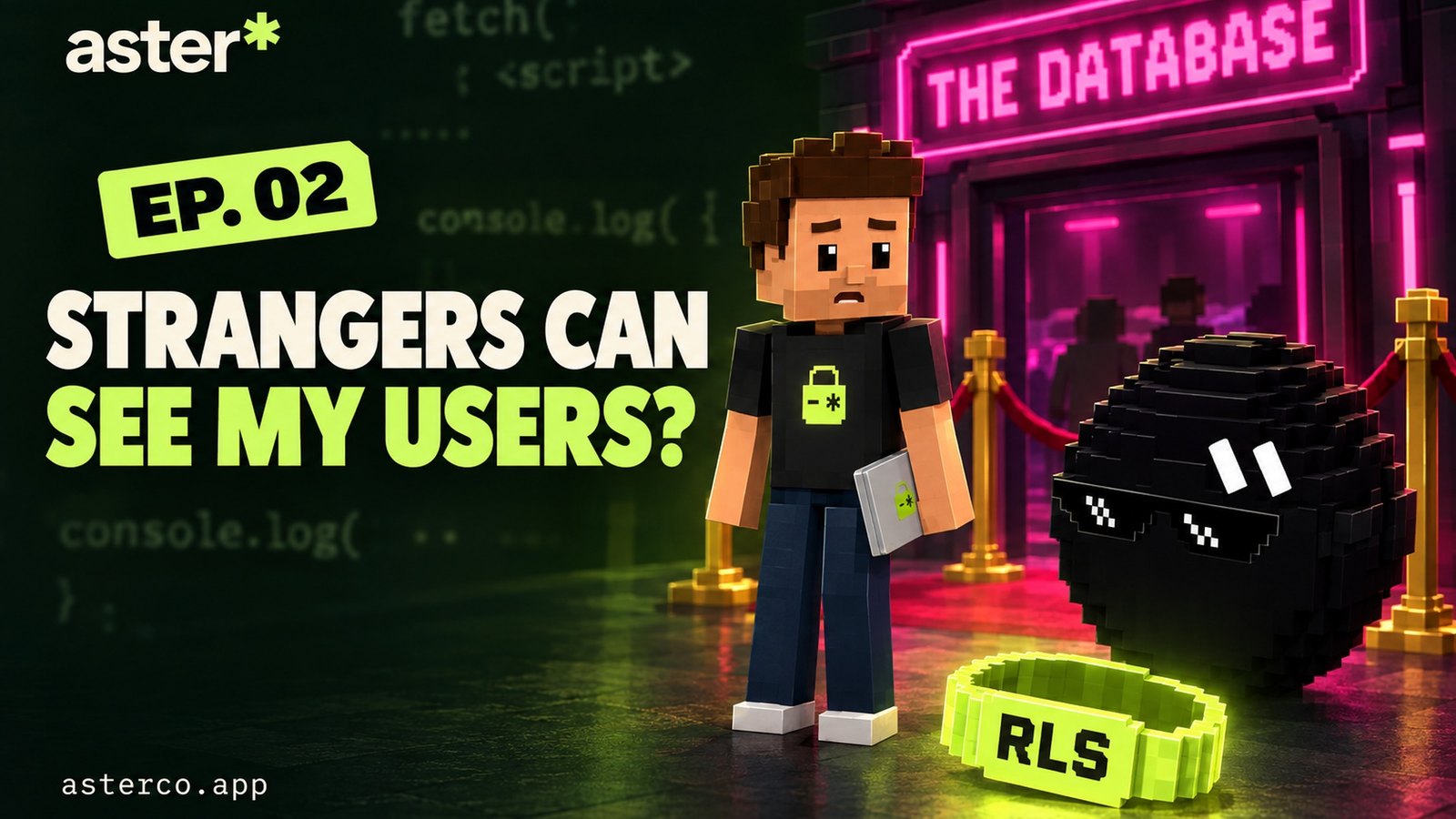
Why it mattersThe public key is not the bug. A table without RLS is the bug. The key is the ticket; RLS is the bouncer.
Supabase gives your frontend a key that’s meant to be public: the publishable key (sb_publishable_…), or the legacy anon key. It goes into your JavaScript, every visitor gets a copy, and that’s fine. It’s the ticket everyone gets at the door of the club.
Open the full chapterIncludes code, a note
What decides where that ticket gets you is Row Level Security (RLS). Supabase exposes the tables in your public schema through its Data API. When RLS is off on a table, the API doesn’t check who’s asking, so anyone holding the public key can read the whole table. Supabase’s own security advisor puts it bluntly: anyone with your project URL can read, edit, and delete all data in that table.
Here’s all it takes. Your project URL and public key are already in your site’s JavaScript:
# What a stranger can do when RLS is off on your users table
curl 'https://YOUR-PROJECT.supabase.co/rest/v1/users?select=*' \
  -H 'apikey: YOUR_PUBLISHABLE_KEY'

# → every row: ids, emails, names…
Same thing in one line of JavaScript: supabase.from('users').select('*') from the browser console of your own site.
02STEP 1
Find every table without RLS
Why it mattersMake “zero tables with RLS off” a launch requirement, the same as “the build passes”.
Two ways to check, and it takes under a minute. In the dashboard, open Advisors → Security Advisor and look for RLS Disabled in Public (lint 0013_rls_disabled_in_public). Or run this in the SQL editor:
Open the full chapterIncludes code
-- Tables in the public schema with Row Level Security turned OFF
select schemaname, tablename
from pg_tables
where schemaname = 'public'
  and rowsecurity = false
order by tablename;
You want zero rows. Every table listed here is readable by anyone with your public key.
While you’re in Advisors, also check Security Definer View (0010) and Exposed Auth Users (0002). Both are ways data slips past RLS through a view.
03STEP 2
Turn on Row Level Security
Why it mattersRLS on with no policies is “deny everything”, the safest starting point. You open access one policy at a time.
Enabling RLS is one line per table:
Open the full chapterIncludes code, a note
alter table public.profiles enable row level security;
alter table public.orders   enable row level security;
Or switch it on for every table in public at once:
do $$
declare t record;
begin
  for t in
    select tablename from pg_tables
    where schemaname = 'public' and rowsecurity = false
  loop
    execute format('alter table public.%I enable row level security', t.tablename);
  end loop;
end $$;04STEP 3
Write policies: everyone sees only their own rows
Why it mattersOne policy per action, scoped to the owner, with the role named. using (true) is a velvet rope with no bouncer.
A policy is a rule Postgres adds to every query. using (…) decides which existing rows are visible or editable. with check (…) decides which new or changed rows are allowed. The classic rule for personal data is “a row belongs to the user whose id is on it”:
Open the full chapterIncludes code
create table public.profiles (
  id uuid primary key default gen_random_uuid(),
  user_id uuid not null default auth.uid() references auth.users on delete cascade,
  display_name text
);
alter table public.profiles enable row level security;

create policy "Users can view their own profile"
on public.profiles for select
to authenticated
using ( (select auth.uid()) = user_id );

create policy "Users can create their own profile"
on public.profiles for insert
to authenticated
with check ( (select auth.uid()) = user_id );

create policy "Users can update their own profile"
on public.profiles for update
to authenticated
using ( (select auth.uid()) = user_id )
with check ( (select auth.uid()) = user_id );

create policy "Users can delete their own profile"
on public.profiles for delete
to authenticated
using ( (select auth.uid()) = user_id );

-- policies filter on user_id, so index it
create index profiles_user_id_idx on public.profiles using btree (user_id);
Why every detail is there
to authenticatedskips the policy entirely for logged-out visitors (anon), which is faster and clearer.(select auth.uid())instead ofauth.uid(): wrapping it lets Postgres compute your user id once per query instead of once per row. Supabase recommends it for performance.with checkon insert and update: without it, a user could write a row with someone else’suser_id.- An index on
user_id: the policy filters on that column for every query, so an unindexed column turns reads into full table scans.
Public content is a policy too
Not everything is private. A blog, a product catalogue or a public profile page can be readable by everyone, but only the parts you choose:
create policy "Anyone can read published posts"
on public.posts for select
to anon, authenticated
using ( published = true );-- RLS is "on", but this lets everyone do everything
create policy "allow all"
on public.profiles for all
using ( true );-- Scoped to the owner, per action, per role
create policy "Users can view their own profile"
on public.profiles for select
to authenticated
using ( (select auth.uid()) = user_id );05STEP 4
Test it like a stranger would
Why it mattersIf a logged-out request with your public key returns real rows, you have a leak. Test it the way an attacker would.
Don’t trust the dashboard, which uses elevated access. Test with the same public key your site ships, and with no session:
Open the full chapterIncludes code
# Logged-out stranger: should return [] (or a permission error), never real rows
curl 'https://YOUR-PROJECT.supabase.co/rest/v1/profiles?select=*' \
  -H 'apikey: YOUR_PUBLISHABLE_KEY'
Then check a signed-in user only sees their own rows. In the SQL editor you can impersonate one inside a transaction that rolls back:
begin;
  set local role authenticated;
  set local request.jwt.claims to '{"sub": "PASTE-A-USER-UUID", "role": "authenticated"}';

  select * from public.profiles;   -- only that user's row
  select count(*) from public.profiles where user_id <> 'PASTE-A-USER-UUID';  -- 0
rollback;import { createClient } from '@supabase/supabase-js'
// Same URL + publishable key the browser uses, no session
const stranger = createClient(process.env.SUPABASE_URL!, process.env.SUPABASE_PUBLISHABLE_KEY!)
const { data } = await stranger.from('profiles').select('*')
if (data && data.length > 0) throw new Error('RLS leak: a stranger can read profiles')Run a test like this in CI for every table that holds personal data.
06GOTCHAS
Mistakes that quietly bypass RLS
Why it mattersRLS protects tables. Keys, views and metadata can route around it, so check those too.
In the episode, Aster tries to rename his table users_definitely_not_emails_v2_final. Grok’s verdict: “Bro thinks security through obscurity is a personality.” Your frontend calls supabase.from('…') with the real table name, so the name is in your JavaScript too. A confusing name is not a bouncer.
Open the full chapterIncludes a table, code
| Mistake | Why it leaks | Fix |
|---|---|---|
Secret / service_role key in the browser | It uses a Postgres role with bypassrls. Every policy is skipped. | Server only. The browser gets the publishable key. |
A view in public | Views run as their owner by default and can ignore the RLS of the tables underneath. | Create views with (security_invoker = true) (Postgres 15+). |
Policy based on user_metadata | Signed-in users can edit their own user_metadata. | Use app_metadata or a roles table you control. |
using (true) on personal data | RLS is on, but the policy lets everyone in. | Scope to (select auth.uid()) per action. |
Insert or update without with check | Users can write rows that belong to someone else. | Add with check matching the owner rule. |
create view public.my_orders
with (security_invoker = true)
as select id, total, created_at from public.orders;
And renaming the table doesn’t help
THE QUICK READ
What to take away.
In one minute.
- 01
Your Supabase publishable (or legacy
anon) key ships to every browser. That’s by design, like a ticket everyone gets at the door. - 02
With RLS off, that public key can read, edit and delete every row of a table in the
publicschema. - 03
Turn RLS on for every table, then add policies like
(select auth.uid()) = user_idso people only see their own rows. - 04
Tables created in the Table Editor get RLS by default. Tables created with SQL or migrations, which is what AI tools usually write, don’t.
FOR YOUR CODING AGENT
Let your agent check
your own code.
Paste this into Claude Code, Cursor, Codex, Gemini CLI or Copilot. It only reads and reports; it won’t change your code until you approve.
You are a security reviewer for this codebase. Investigate ONE issue: Supabase tables that anyone with the public (publishable or anon) key can read or change because Row Level Security is off or too loose.

Where to look:
- `supabase/migrations/*.sql`, `schema.sql` and any SQL with `create table`, `create view`, `create policy` or `alter table`.
- Every `supabase.from('...')` call, to list the tables the app really uses.
- Which key each Supabase client uses.

How to judge each table in the `public` schema:
- RLS enabled? Tables created with SQL or migrations don't get it by default.
- A policy per action it needs (`select`, `insert`, `update`, `delete`), with the role named (`to authenticated` / `to anon`).
- Personal data scoped to its owner: `using ((select auth.uid()) = user_id)`, plus `with check` on insert and update. `using (true)` on personal data is critical.
- Also flag policies on `user_metadata` (users can edit it), views without `security_invoker = true`, a secret or `service_role` key in browser code, and unindexed policy columns.
- With database access, use read-only queries: `select tablename from pg_tables where schemaname = 'public' and rowsecurity = false;`

Report a table: file:line (or table) | what's wrong | severity (critical, high, medium, low) | the minimal fix (SQL).

Rules: don't modify files or the database until I approve. Never print keys or row data: mask them.

Then ask me which fixes to apply.Paste it into the agent you already build with
- Claude
- ChatGPT
- Gemini
- Cursor
- Copilot
QUESTIONS PEOPLE ASK
Good questions.
Short answers.
What is Row Level Security in Supabase?
Row Level Security (RLS) is a Postgres feature Supabase uses to decide which rows each request can read or change. You enable it per table and write policies, for example (select auth.uid()) = user_id, that Postgres adds to every query.
Is the Supabase anon key safe to expose?
Yes. The publishable key and the legacy anon key are designed to be public, but only if RLS is enabled with good policies on every exposed table. The secret key and service_role key bypass RLS and must stay on the server.
Why does my Supabase query return an empty array after enabling RLS?
With RLS on and no matching policy, Postgres returns no rows. That’s the safe default. Add a select policy for the role making the request (usually authenticated), and check your user is actually signed in.
Does the service_role key bypass RLS?
Yes. The secret and service_role keys use a Postgres role with the bypassrls attribute, so every policy is skipped. Only use them in trusted server code.
Are tables created in the Supabase SQL editor protected by default?
No. The Table Editor enables RLS for new tables by default, but tables created with SQL, migrations or external tools need alter table … enable row level security; yourself.
Does RLS slow down my queries?
It can if policies are written naively. Wrap functions as (select auth.uid()), name the role with to authenticated, and index every column your policies filter on.
How do I check which Supabase tables have RLS disabled?
Open Advisors → Security Advisor and look for “RLS Disabled in Public”, or run select tablename from pg_tables where schemaname = 'public' and rowsecurity = false; in the SQL editor.
Supabase is safe to use from the browser, but only with the bouncer on the door. Turn on RLS for every table, and give each one a guest list of owner-scoped policies. Keep the secret key on the server, and test as a stranger before every launch. A free Aster audit can take a second look. It reads your migrations for tables with RLS off and rules that let everyone in, and checks where your keys end up.