GUIDESEPISODES
Supabase service role key in the browser? Lock it back
Your admin page said “permission denied”, so your AI agent reached for the master key and gave it a NEXT_PUBLIC_ name. Now it sits in every visitor’s browser, and it opens every table. Here is the fix in four steps, each checked against the Supabase and Next.js docs.

01WHAT HAPPENED
One key opened every locker
Why it mattersOne public variable is enough. The master key ends up in the code every visitor downloads.
Here’s the story. Your app has an admin page. You asked your AI agent to make it show every customer, and Supabase answered “permission denied”.

Open the full chapterIncludes a note
That error was Row Level Security doing its job. But the quickest way past it is the service role key, the one key that skips every rule.
So the agent used it, and gave it a NEXT_PUBLIC_ name so the admin page could read it. The page worked. The key also went out to every visitor.
What a stranger can do with it
Open the browser tools, search the site’s files, copy the key. Then read, change or delete any table, from any computer.
Supabase’s own docs: “A secret key bypasses every Row Level Security policy you have. Never put one in a browser, a shipped application, or source control.”
02WHY IT LEAKS
NEXT_PUBLIC_ means “send this to every browser”
Why it mattersThe prefix is a shipping label. Put it on a secret and it ships.
In Next.js, the prefix decides where a value goes. The docs: “By default, environment variables are only available on the server.”

Open the full chapterIncludes code, a note
Add NEXT_PUBLIC_ and Next.js will “inline” the value “at build time, into the js bundle that is delivered to the client”. That means the browser of every visitor.
Without the prefix, the browser never gets it. Next.js docs: “If variables are not prefixed, Next.js replaces them with an empty string.”
# .env.local: the hole
NEXT_PUBLIC_SUPABASE_URL=https://your-project.supabase.co
# The master key with a NEXT_PUBLIC_ name: Next.js copies it into every visitor's browser
NEXT_PUBLIC_SUPABASE_SERVICE_ROLE_KEY=eyJhbGciOi...
A public name on the master key. It ships with your JavaScript.
# Safe to expose to the browser. Prefix per your framework.
NEXT_PUBLIC_SUPABASE_URL=https://your-project.supabase.co
NEXT_PUBLIC_SUPABASE_PUBLISHABLE_KEY=sb_publishable_...

# Server-only. Never prefix these, or your bundler will ship the key.
SUPABASE_URL=https://your-project.supabase.co
SUPABASE_SECRET_KEY=sb_secret_...
From Supabase’s docs: the publishable key is public, the secret key has no prefix.
'use client';
// app/admin/page.tsx: the hole
import { createClient } from '@supabase/supabase-js';

// This file runs in the browser, so this key ships with it.
const supabase = createClient(
  process.env.NEXT_PUBLIC_SUPABASE_URL!,
  process.env.NEXT_PUBLIC_SUPABASE_SERVICE_ROLE_KEY!
);
The usual pattern: a client component that creates an admin client. Everything in this file runs in the browser.
# Any secret-looking variable with a public prefix? (NEXT_PUBLIC_ for Next.js, VITE_ for Vite)
grep -rnE "(NEXT_PUBLIC_|VITE_)[A-Z_]*(SERVICE_ROLE|SECRET)" \
  --exclude-dir=node_modules --exclude-dir=.next --exclude-dir=dist .
Lists every public variable with SERVICE_ROLE or SECRET in its name. Vite apps use the VITE_ prefix the same way.
03STEP 1 · SWAP THE KEY
Make a new key, then kill the leaked one
Why it mattersA copied key stays copied. Only a new key makes the old copies useless.
Once a key has been in a browser, treat it as copied. Hiding it in your code doesn’t take it back. You need a new key, and the old one must stop working.

Open the full chapterIncludes steps, a note
- In the Supabase dashboard, open Settings → API Keys and create a new secret key.
- Replace the leaked key with the new one everywhere your server uses it: your host’s server environment variables, Edge Functions, cron jobs. A leaked legacy
service_rolekey gets replaced by the new secret key. - Redeploy, and confirm every part of your app works with the new key.
- Retire the leaked key. A secret key: delete it. A legacy
service_rolekey: deactivate the legacy keys in the same section.
Was the key ever committed to git? Removing it from today’s code doesn’t remove it from your history. Read deleted key still works for that part.
04STEP 2 · PUBLISHABLE KEY ONLY
The browser gets the lobby key, and RLS guards every table
Why it mattersThe publishable key is meant to be public. RLS is what makes that fine.
Code that runs in the browser gets the publishable key (sb_publishable_…), or the legacy anon key. Supabase calls it “safe to expose online”, because Row Level Security decides what it can reach.

Open the full chapterIncludes code, a table, a note
import { createClient } from '@supabase/supabase-js'

export const supabase = createClient(
  process.env.NEXT_PUBLIC_SUPABASE_URL!,
  process.env.NEXT_PUBLIC_SUPABASE_PUBLISHABLE_KEY!
)
From Supabase’s API keys guide. The publishable key is fine in the browser.
That only holds if RLS is on. Supabase: “Row Level Security decides what this client can reach, so enable it on every table before you deploy.”
-- Every table in the public schema that still has Row Level Security OFF
select tablename
from pg_tables
where schemaname = 'public' and rowsecurity = false;

-- Turn it on for each one (then add policies for what users may see)
alter table public.customers enable row level security;
Run the first query in the Supabase SQL Editor. Any table it lists is open to the publishable key.
| Key | Looks like | Where it goes | What it can reach |
|---|---|---|---|
| Publishable key | sb_publishable_… | Browser, mobile app | Only what your RLS policies allow |
Legacy anon key | A long eyJ… token | Browser, mobile app | Only what your RLS policies allow |
| Secret key | sb_secret_… | Your server only | Everything. Skips RLS |
Legacy service_role key | A long eyJ… token | Your server only | Everything. Skips RLS, and works from a browser |
05STEP 3 · ADMIN ON THE SERVER
Check the badge, then use the master key, on the server
Why it mattersThe master key stays in the back office, and only a checked admin gets the job done.
Your admin page still needs to see every customer. Fine. That work moves to code that only runs on your server: a Next.js route handler, a server action, or a Supabase Edge Function.

Open the full chapterIncludes code, a note
Two checks come first: is someone signed in, and are they an admin? Only then does the server use the secret key.
The admin client, server only
// lib/supabase/admin.ts: the master key, server only
import 'server-only';
import { createClient } from '@supabase/supabase-js';

export const supabaseAdmin = createClient(
  process.env.SUPABASE_URL!,
  process.env.SUPABASE_SECRET_KEY!
);
Supabase’s backend client, plus import 'server-only': if a client component ever imports this file, the build fails with a clear error instead of shipping the key.
A list of admins only the server can read
-- Who is an admin. RLS on and no policies: the browser's key can't read or change it.
create table public.admins (
  user_id uuid primary key references auth.users (id) on delete cascade
);
alter table public.admins enable row level security;

-- Add yourself (your user id is in Authentication > Users)
insert into public.admins (user_id) values ('your-user-id');
RLS on with no policies means the publishable key can’t read or change it. Only your server, with the secret key, can.
The admin route
// app/api/admin/customers/route.ts: admin work, on the server
import { NextResponse } from 'next/server';
import { createClient } from '@/lib/supabase/server';
import { supabaseAdmin } from '@/lib/supabase/admin';

export async function GET() {
  // 1. Who is asking? getClaims() checks the session token's signature.
  const supabase = await createClient();
  const { data } = await supabase.auth.getClaims();
  const userId = data?.claims?.sub;
  if (!userId) return NextResponse.json({ error: 'Sign in first' }, { status: 401 });

  // 2. Are they an admin? Ask your own admins table.
  const { data: admin } = await supabaseAdmin
    .from('admins').select('user_id').eq('user_id', userId).maybeSingle();
  if (!admin) return NextResponse.json({ error: 'Admins only' }, { status: 403 });

  // 3. Only now do the admin job with the master key.
  const { data: customers, error } = await supabaseAdmin
    .from('customers').select('id, email, created_at');
  if (error) return NextResponse.json({ error: 'Could not load customers' }, { status: 500 });
  return NextResponse.json({ customers });
}
createClient comes from @/lib/supabase/server, the server client in Supabase’s Next.js SSR guide. Your admin page now fetches /api/admin/customers instead of calling Supabase with the master key.
A server route without the admin check is just a new open door. Our guide on admin checks that only live in the frontend goes deeper.
06STEP 4 · THE TEST
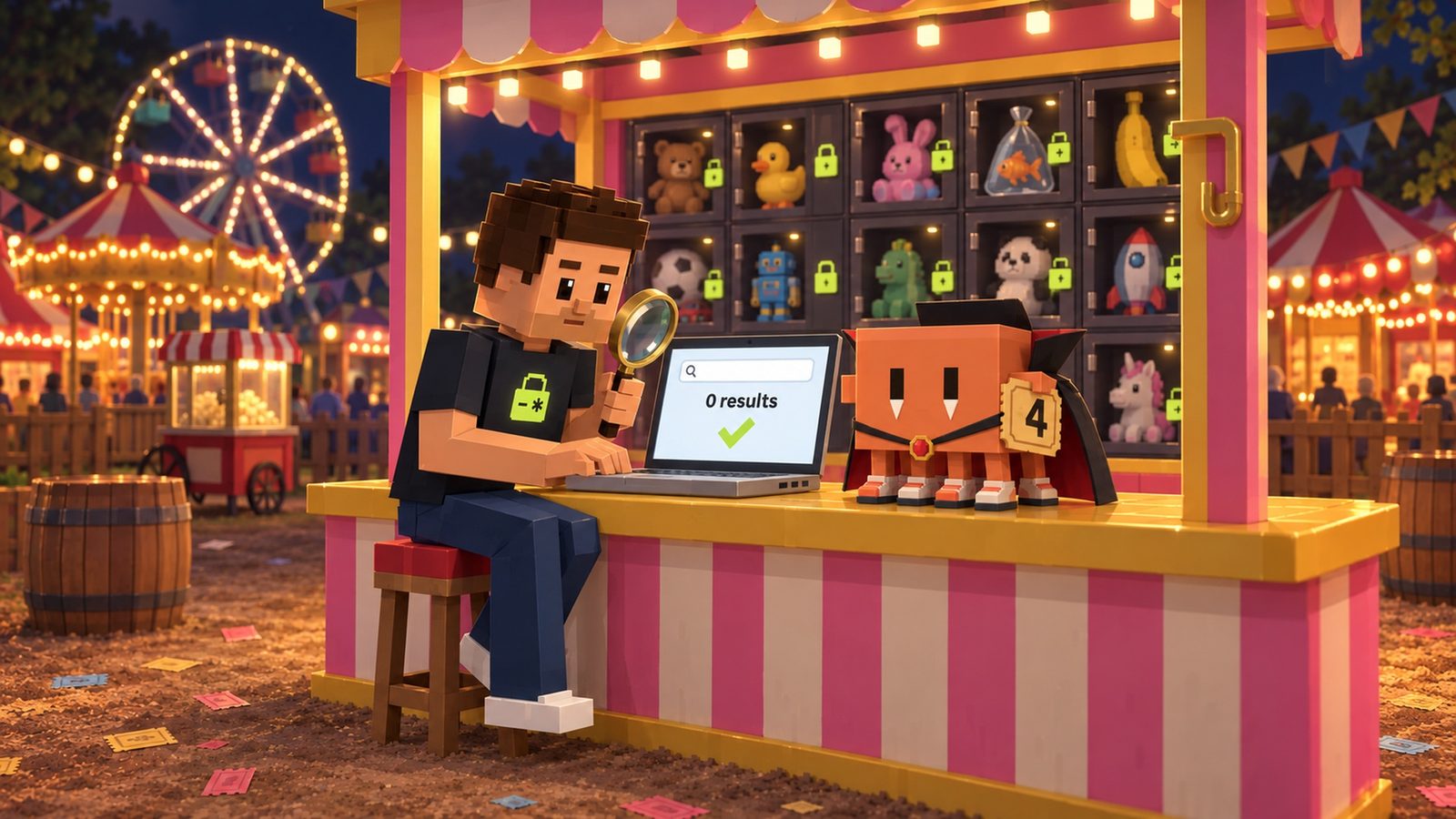
Search your live site for the key: zero results
Why it mattersYour browser shows exactly what a stranger sees. Zero results is the proof you want.
Don’t take the code’s word for it. Search what your live site actually sends to browsers.
Open the full chapterIncludes steps, code, a note
- Open your live site in Chrome and open DevTools (Cmd+Option+I on a Mac, Ctrl+Shift+I on Windows).
- Go to the Sources tab and open Search all files: Cmd+Option+F on a Mac, Ctrl+Shift+F on Windows.
- Search for
sb_secret_. Then search for the last 10 characters of your secret key (or of your old legacy key). - Zero results on every page you tried, including the admin page: the key isn’t in your browser code.
- Any result: a file still carries it. Go back to step 2 or 3 for that file, rebuild, and search again.
# Build the app, then search what the browser downloads
npm run build
grep -rl "sb_secret_" .next/static
grep -rl "PASTE_THE_LAST_10_CHARACTERS_OF_YOUR_KEY" .next/static
# No output = no match. Any file name = the key is in your browser code.
The same check before you deploy. Never paste the whole key into a terminal or a chat: a short end piece is enough to match.
Paste the prompt at the top of this page into your coding agent to do the whole search for you. It lists every spot with its file and line, shows you the diff, and ends with this same test.
07CLOSING TIME
The whole fix on one page
Why it mattersSwap it, keep it on the server, check the badge, and prove it with a search.
Keep this next to your editor.

Open the full chapterIncludes a table, a note
| You find this | Do this |
|---|---|
NEXT_PUBLIC_…SERVICE_ROLE… or NEXT_PUBLIC_…SECRET… in .env | Rename it to a server-only name like SUPABASE_SECRET_KEY, then swap the key |
createClient(url, serviceRoleKey) in a 'use client' file | Move the work to a route handler, server action or Edge Function |
| An admin route with no admin check | Check getClaims(), then your admins table, before using the secret key |
| A table with RLS off | alter table … enable row level security; and add policies |
| A leaked secret key | New key in Settings → API Keys, replace, then delete the old one |
A leaked legacy service_role key | Move to the new secret key, then deactivate the legacy keys |
sb_secret_ found in your live site’s files | Something still ships it: search the code again, rebuild, redeploy |
THE QUICK READ
What to take away.
In one minute.
- 01
The Supabase service role key (now called the secret key) is a master key. Supabase’s docs: “A secret key bypasses every Row Level Security policy you have.”
- 02
Any variable that starts with
NEXT_PUBLIC_is copied into the JavaScript every visitor downloads. Next.js does this at build time. - 03
Anyone can open the browser tools, search the files, copy the key, then read, change or delete any table.
- 04
Step 1: create a new secret key, use it on your server, then delete the leaked one (legacy keys: deactivate them).
- 05
Step 2: the browser only gets the publishable (or legacy anon) key, and Row Level Security is on for every table.
- 06
Step 3: admin jobs run on your server. Check the user is an admin first, then read
SUPABASE_SECRET_KEY, neverNEXT_PUBLIC_. - 07
Step 4: search your live site’s files for
sb_secret_and the end of your key. You want zero results.
THE FIX, IN ONE PASTE
Paste this. Find the master key before a stranger does.
Paste this into Claude Code, Cursor or any coding agent. It lists every place a secret key can reach the browser, with file and line. It masks every key and never turns Row Level Security off. It shows you the diff before it changes anything.
Check my app for a Supabase secret key that can reach the browser.
1. Search the code, the .env files and the build output (.next/static, dist, build) for service_role, sb_secret_, SUPABASE_SERVICE_ROLE_KEY and SUPABASE_SECRET_KEY, and for any NEXT_PUBLIC_ or VITE_ variable that holds a secret. List each hit with its file and line. Never print a key: show the variable name and mask the value.
2. Make sure every Supabase client that runs in the browser uses the publishable (or anon) key only.
3. Move every admin job that needs the secret key into server code: a route handler, a server action or an Edge Function. It must first check that the signed-in user is an admin, then read SUPABASE_SECRET_KEY, with no NEXT_PUBLIC_ prefix. Put import 'server-only' at the top of the file that creates the admin client.
4. List every table that has Row Level Security off. Do not turn RLS off anywhere.
5. Change nothing else. Show me the diff before you apply it.
Then tell me what I must do by hand: create a new secret key in Supabase (Settings, API Keys), put it in my host's server variables, delete the leaked key (or deactivate the legacy keys), redeploy, and search my live site's files for sb_secret_ and the last 10 characters of the key. The search must find zero results.
Paste it into the agent you already build with
- Claude
- ChatGPT
- Gemini
- Cursor
- Copilot
QUESTIONS PEOPLE ASK
Good questions.
Short answers.
What is the Supabase service role key?
The legacy master key for your project. It maps to the service_role database role, which skips every Row Level Security policy. Supabase is replacing it with secret keys (sb_secret_…), and says the old anon and service_role keys are being deprecated by the end of 2026. The new secret key is still a master key.
Is the anon or publishable key safe in the browser?
Yes, it’s built for that. Supabase calls the publishable key “safe to expose online”. It only reaches what your Row Level Security policies allow, so it’s only as safe as your RLS. Turn RLS on for every table.
Why did my AI agent use the service role key?
Usually to get past “permission denied” or an empty result. That message means RLS is working. The right fix is a policy for what the user may see, or a server route for admin work. Never the master key in the browser.
I deleted the NEXT_PUBLIC_ variable. Am I done?
No. Anyone who loaded your site before could have copied the key, and it still works. Create a new secret key, use it on your server, then delete the leaked one (or deactivate the legacy keys). Then rebuild and redeploy.
Do the new sb_secret_ keys fix this on their own?
They help: Supabase blocks a secret key used from a browser and returns 401 Unauthorized. But Supabase also says “an attacker can still use the key from other tools.” So a secret key still must never be in your frontend.
Does this apply to Vite, React or Lovable apps?
Yes. Vite ships any VITE_ variable to the browser, the same way Next.js ships NEXT_PUBLIC_. Any app without its own server can’t keep a secret key at all: put admin work in a Supabase Edge Function instead.
How do I check whether my live site leaks the key?
Open DevTools, go to Sources, and use Search all files (Cmd+Option+F or Ctrl+Shift+F). Search for sb_secret_ and for the last 10 characters of your key. You want zero results.
Does Aster find this in my code?
Aster’s audit flags a Supabase service_role key or an sb_secret_ key committed in the code it reads. It reads your repository, not your live site or your hosting settings, so a key that only lives in a host’s dashboard isn’t something it can see.
Swap the key, give the browser only the publishable key, keep admin work on your server behind an admin check, and search your live site to prove it. When you want a second look at the rest of your code, your first repository audit is free: Aster flags a Supabase service_role or sb_secret_ key committed in the code it reads, plus other leaked secrets, Supabase policies and vulnerable packages in your repo.
Source notebook8 links
- Supabase Docs: API keys (publishable vs secret keys, rotating a leaked key)
- Next.js Docs: Environment variables (NEXT_PUBLIC_ values are inlined into the browser bundle)
- Next.js Docs: Server and Client Components (environment variables, server-only)
- Vite Docs: Env variables and modes (VITE_ variables are exposed in client-side code)
- Supabase Docs: Rotate a leaked or compromised key
- Supabase Docs: Migrating to new API keys
- Supabase Docs: Row Level Security
- Supabase Docs: Creating a Supabase client for SSR (Next.js, getClaims)