GUIDESEPISODES
Your AI told you to install a package that never existed
Your AI coding assistant suggested a package with a name that sounds right. It never existed, until a stranger registered it and put their own code inside. Here are four checks before you install, each one tried by hand against the npm and Claude Code docs.
01WHAT HAPPENED
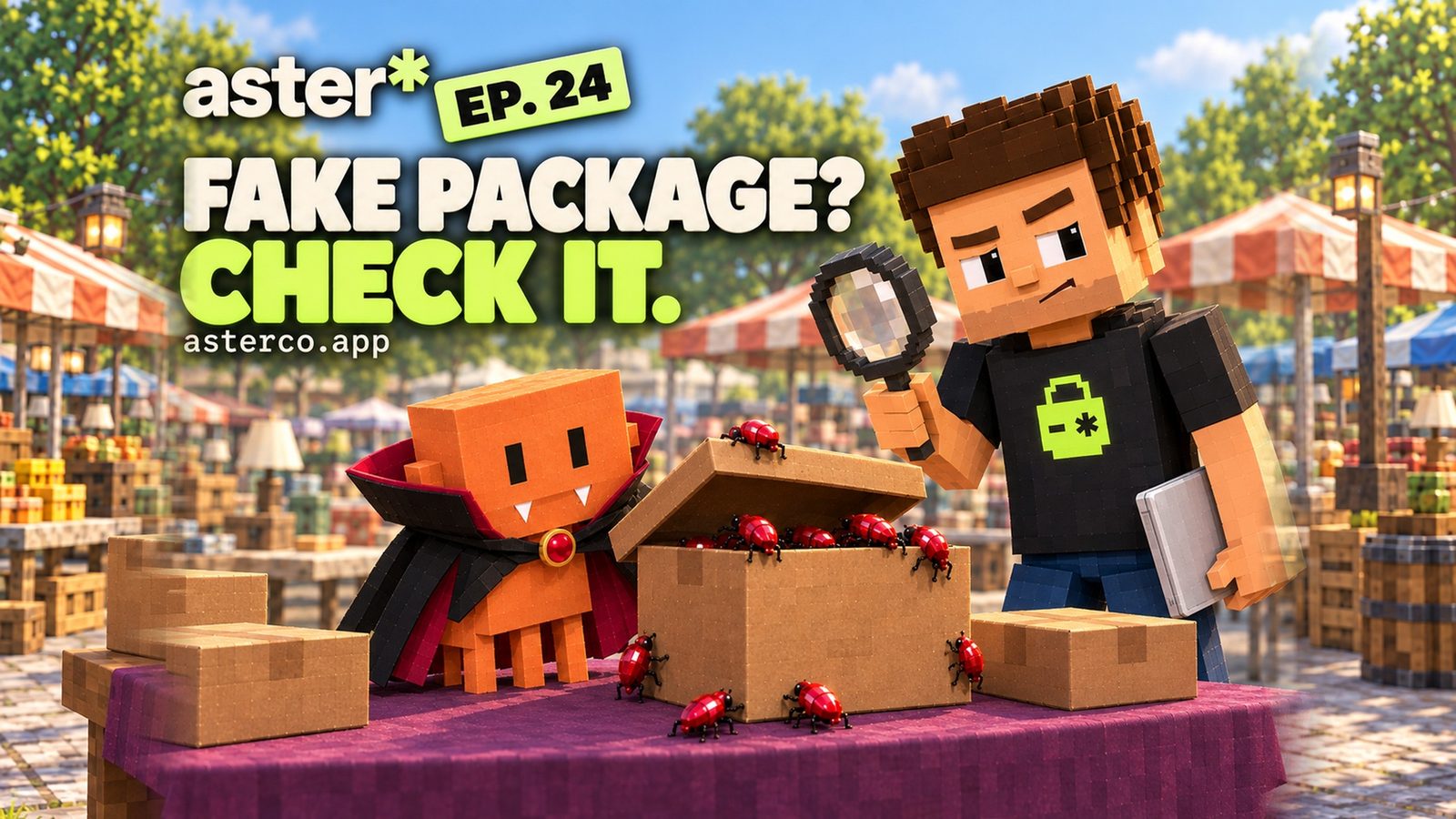
The package your AI named didn’t exist, until a stranger made it
Why it mattersOne pasted install line can run a stranger’s code on the laptop that holds your keys.
Here’s the story. You ask your AI to add a feature. It answers with an install line for a package with a name that sounds exactly right. You paste it.

Open the full chapterIncludes a note
The catch: nobody had ever published that package. The AI blended two real names into one. And somebody was waiting for that name.
A real one: react-codeshift
Aikido’s researchers wrote this one up in February 2026. react-codeshift didn’t exist. Aikido calls it “a classic hallucination-by-conflation” of two real packages, jscodeshift and react-codemod.
The made-up name still spread to 237 repositories through forks. Charlie Eriksen, a researcher at Aikido, registered it in January 2026. After that it kept getting downloads. Aikido puts them down to AI agents that follow written instructions and run npx installs.
Why one install is enough
npm runs a package’s preinstall, install and postinstall scripts when you install it. The npm docs list them in that order for npm install. Those scripts run on your laptop, with your files, your .env and your keys right there.
02WHY IT HAPPENS
AI remembers names that sound right
Why it mattersA made-up name looks exactly like a real one. Only a lookup tells them apart.
An AI model doesn’t look names up while it writes. It predicts what a name should look like. Most of the time that’s a real package. Sometimes it’s two real names glued together.

Open the full chapterIncludes a note
Researchers measured how often. A USENIX Security 2025 study used 16 popular AI models to write 576,000 code samples, then checked every package they named. The numbers above are what it found.
Attackers don’t have to guess. If a model makes up the same name again and again, that name is worth registering.
It has already worked
Aikido also tells the story of huggingface-cli. AI models kept suggesting that name for a Python tool whose real install name is different. Bar Lanyado of Lasso Security uploaded an empty package under it, as a test. Aikido: it “got more than 30,000 authentic downloads in three months.”
03CHECK 1 · LOOK IT UP
Before you install, ask npm if the name exists
Why it mattersFive seconds of lookup beats installing a name that doesn’t exist.
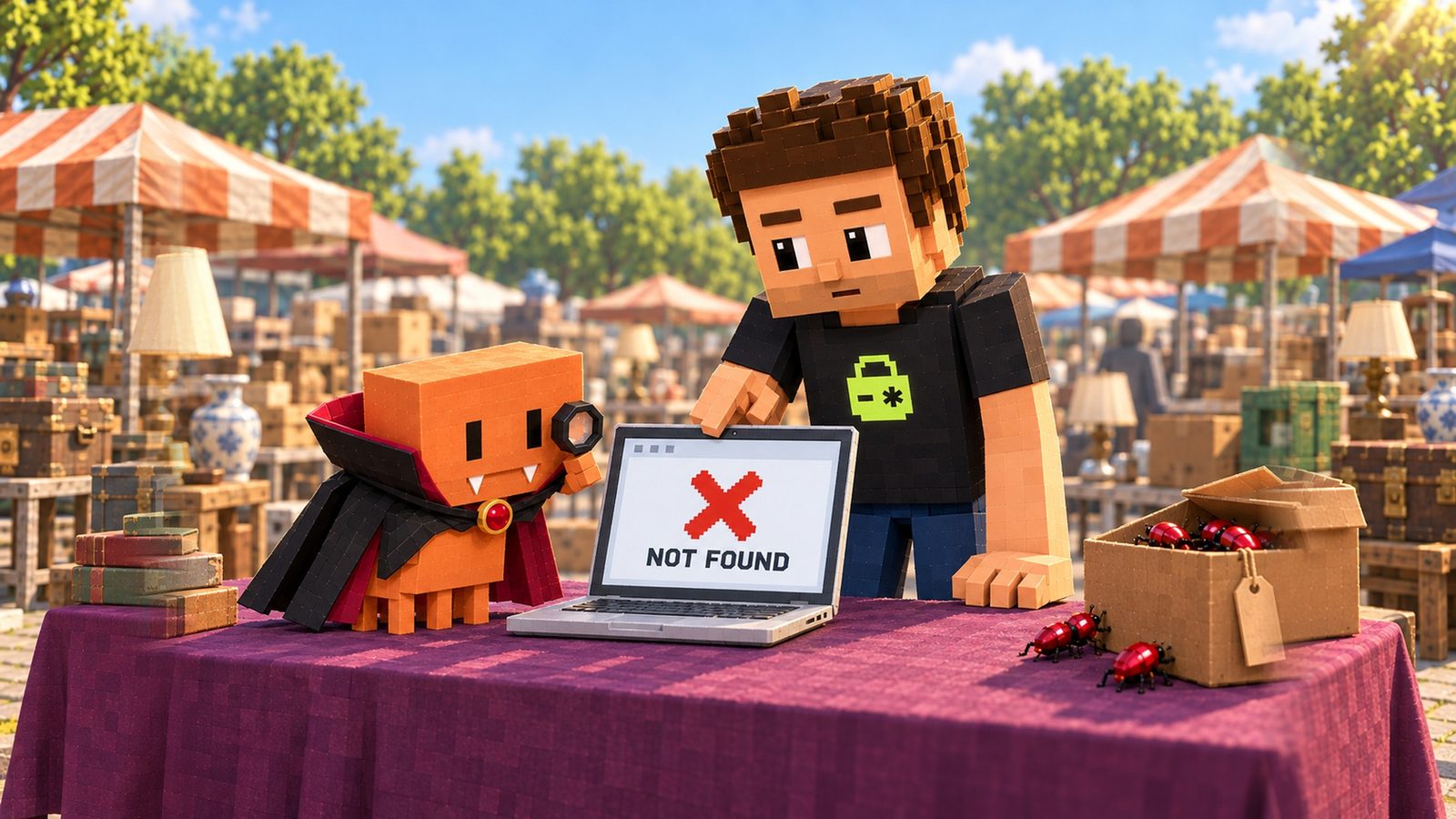
Every time your AI hands you a package name, look it up first. It takes five seconds.
Open the full chapterIncludes code, a note
# Before you install anything your AI suggested
npm view <name>

# A name that was never published answers:
# npm error code E404
# npm error 404  '<name>@*' is not in this registry.
npm view only shows data about a package. It doesn’t install it. Replace <name> with the exact name your AI gave you.
E404 and “not in this registry” mean nobody has published that name. Your AI made it up. Don’t install anything; ask it for the real package, or search for one yourself.
# A real, long-lived package answers with its details
npm view jscodeshift time.created repository.url
# time.created = '2015-03-25T03:12:16.408Z'
# repository.url = 'git+https://github.com/facebook/jscodeshift.git'
This is what a real package looks like: published in 2015, with a link to its source code.
Prefer a browser? Search the name on npmjs.com. A real package page shows its weekly downloads, its versions, and a link to its repository.
04CHECK 2 · WHO SELLS IT
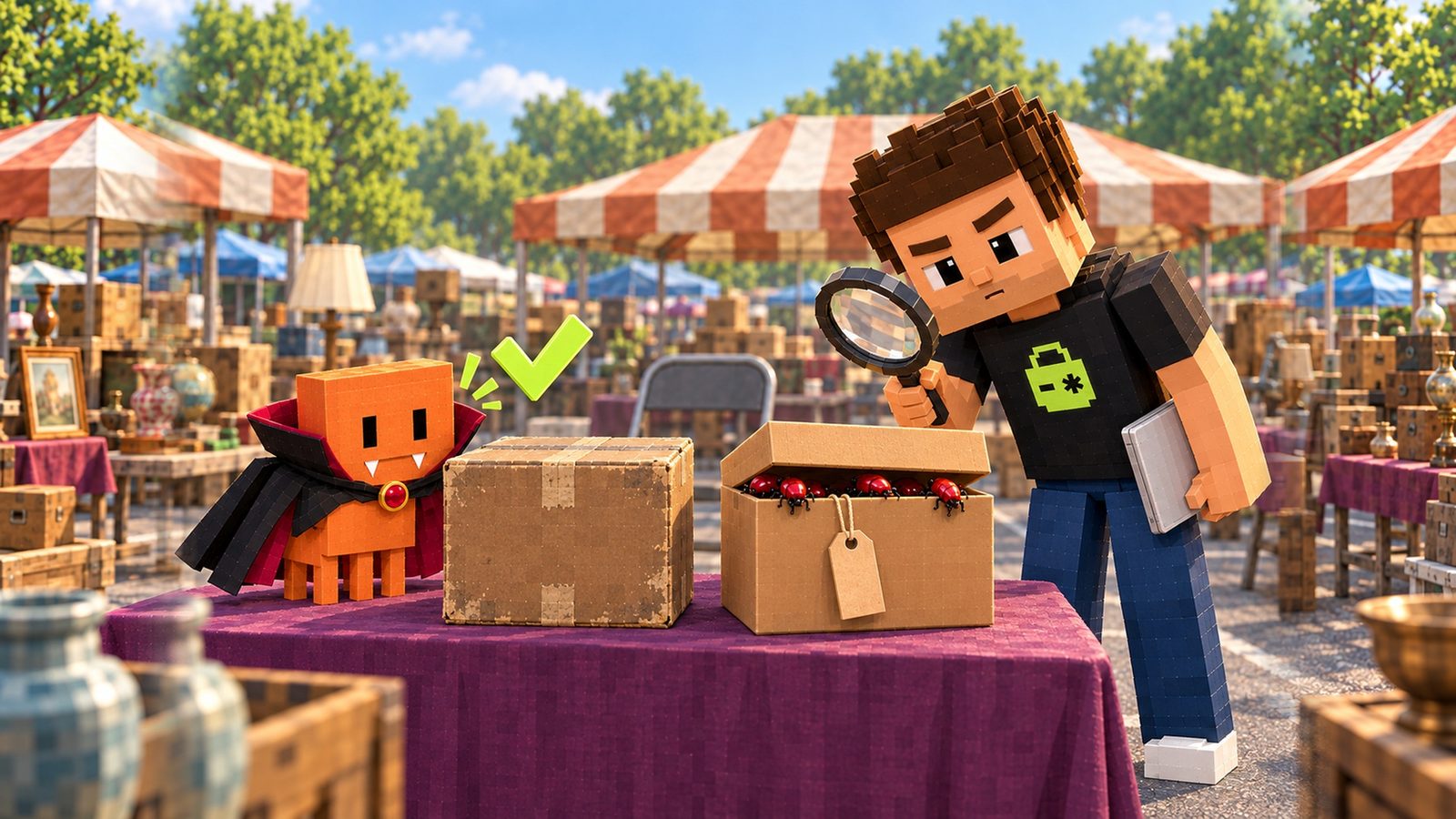
Check who publishes it, and since when
Why it mattersA brand-new name with no source code and nobody behind it is the knockoff stall.
If the name exists, look at who is behind it. Aikido’s first advice: “Verify the publisher, not just the name.”
Open the full chapterIncludes code, a table, a note
# Who publishes it, since when, and where its code lives
npm view <name> time.created maintainers repository.url
time.created is when the name was first published. maintainers is who can publish new versions. repository.url is where the source code lives.
| What you see | What it suggests | Do this |
|---|---|---|
| E404 or “not in this registry” | The name was never published | Don’t install. Ask for the real package |
| Created days or weeks ago | Brand new name | Search for the well-known package with that job |
No repository.url | No public source code to read | Walk away unless you know who made it |
| One maintainer you can’t find anywhere | Nobody you can check on | Look for the package the docs or tutorials name |
| Years old, linked repo, known maintainers | An established package | Fine to try, still read what it adds |
05CHECK 3 · MAKE IT ASK
Make Claude ask before it installs anything
Why it mattersThe ask rule turns every install into a moment where you read the name.
Checks 1 and 2 only help if you see the install before it runs. When Claude Code runs commands for you, an ask rule makes it stop and ask first.

Open the full chapterIncludes code, a note
{
  "permissions": {
    "ask": [
      "Bash(npm install *)",
      "Bash(npm i *)",
      "Bash(npx *)",
      "Bash(pnpm add *)",
      "Bash(yarn add *)",
      "Bash(bun add *)"
    ]
  }
}
Put this in your project’s .claude/settings.json (or add the ask list to the one you have). The docs say Bash(npm install:*) matches the same commands.
The Claude Code docs: “Ask rules prompt for confirmation whenever Claude Code tries to use the specified tool.” Rules are checked “deny, then ask, then allow”. So an ask rule still prompts, even if you allowed npm somewhere else.
When the prompt shows up, read the package name. Run checks 1 and 2 on it. Then say yes or no.
Want the full picture of allow, ask and deny rules, sandboxing and MCP servers? Read our Claude Code permissions guide.
06CHECK 4 · READ THE LIST
Read your package.json before you ship
Why it mattersYou can’t ship what you can’t explain. The receipt tells you what you’re shipping.
Your package.json is the receipt for everything your app installs. If there’s a name on it you can’t explain, look it up before you ship.

Open the full chapterIncludes code, a note
# Look up every dependency in package.json, one by one
node -e "const p=require('./package.json');console.log(Object.keys({...p.dependencies,...p.devDependencies}).join('\n'))" |
while read name; do
  echo "== $name"
  npm view "$name" time.created repository.url 2>&1 | head -3
done
# "npm error code E404" under a name = it isn't on npm. Find out where it came from.
Runs check 1 and the date part of check 2 on every dependency at once. It only looks things up; it installs nothing.
Read every change your AI makes to it
# What did this change add? Read it before you commit.
git diff package.json
git diff --stat package-lock.json
A new line in package.json you didn’t ask for is the moment to stop and check it.
Lock it, then install exactly that
# Commit the lockfile with your code
git add package.json package-lock.json

# On your server or in CI: install exactly what the lockfile says
npm ci
npm docs: if the lockfile and package.json don’t match, “npm ci will exit with an error”. It “will never write to package.json or any of the package-locks”.
With npm ci, your server installs only what you already checked, instead of whatever a fresh install picks that day.
Trying something new? Skip its scripts
# Trying a package you don't know yet? Skip its install scripts.
npm install <name> --ignore-scripts
npm docs, ignore-scripts: “If true, npm does not run scripts specified in package.json files.”
Paste the prompt at the top of this page into your coding agent to do this whole check for you. It shows you the list with a flag next to anything odd, and changes nothing until you say so.
07CLOSING TIME
All four checks on one page
Why it mattersLook it up, check the seller, make it ask, read the receipt.
Keep this next to your editor.

Open the full chapterIncludes a table, a note
| You see this | Do this |
|---|---|
| Your AI suggests a package you don’t know | npm view <name> before you install |
| E404 or “not in this registry” | Don’t install. Ask for the real package or search for it |
| Created recently, no repository link, unknown maintainer | Walk away and find the well-known package for that job |
| Claude Code runs installs on its own | Add the ask rules to .claude/settings.json |
A dependency in package.json you can’t explain | Look it up before you ship |
Deploys run npm install | Commit package-lock.json and deploy with npm ci |
| You want to try an unknown package | Checks 1 and 2 first, then --ignore-scripts |
THE QUICK READ
What to take away.
In one minute.
- 01
AI models sometimes suggest package names that sound right but were never published. A USENIX Security 2025 study found it in at least 5.2% of packages from commercial models and 21.7% from open-source models.
- 02
Attackers register those made-up names on npm and put their own code inside. People call it slopsquatting.
- 03
npm installcan run a package’s preinstall, install and postinstall scripts on your laptop, where your keys and passwords live. - 04
Check 1:
npm view <name>before you install. E404 means the name doesn’t exist. - 05
Check 2: who publishes it and since when. Brand new, no repository link, one unknown maintainer: search for the real package instead.
- 06
Check 3: an
askrule in.claude/settings.jsonmakes Claude Code stop and ask before it runs an install. - 07
Check 4: read your
package.jsonand the lockfile diff before you ship, commitpackage-lock.json, and deploy withnpm ci.
THE CHECK, IN ONE PASTE
Paste this. Price-check every package you already have.
Paste this into Claude Code, Cursor or any coding agent. It looks up every dependency with npm view and flags names that are missing, brand new or have no repo link. It never installs or removes anything and shows you the list before it changes anything.
Check every package my project depends on before I trust it. Do not install, update or remove anything.
1. Read package.json and list every name under dependencies and devDependencies.
2. For each name, run: npm view <name> time.created maintainers repository.url --json. Run no other npm command.
3. Flag a package if npm view says E404 or not found (the name may be made up), if it was created in the last 90 days, if it has no repository link, or if its name is one letter away from a well-known package.
4. For each flagged package, find where my code imports it and tell me what it is used for. If the name looks made up, tell me which real package I probably meant, and how to look that one up too.
5. Check that package-lock.json exists and is committed, and list any package in package.json that is missing from it.
Show me the whole list first: name | created | repository | maintainers | flag and reason. Never print a token or key from .npmrc or .env: mask it. Never run npm install, npm uninstall, npx or any package script. Wait for my OK before you change anything.
Paste it into the agent you already build with
- Claude
- ChatGPT
- Gemini
- Cursor
- Copilot
QUESTIONS PEOPLE ASK
Good questions.
Short answers.
What is slopsquatting?
Registering a package name that AI tools tend to make up, so the people and agents who follow the AI’s advice install your code. It’s like typosquatting, but the mistake comes from the AI instead of a typo.
How often do AI tools make up package names?
A USENIX Security 2025 study looked at 576,000 code samples from 16 AI models. On average, at least 5.2% of the packages from commercial models and 21.7% from open-source models didn’t exist. It found 205,474 unique made-up names.
How do I check if an npm package is real?
Run npm view <name>. If it answers E404 or “not in this registry”, nobody published it. If it exists, run npm view <name> time.created maintainers repository.url and check that it’s not brand new, links to its source code and has known maintainers.
Are weekly downloads a good sign?
Not on their own. Aikido says “Download count isn’t a reliable signal”: a fake package can get daily downloads, for example from AI agents that install it. Check who publishes it and since when.
Does an ask rule in Claude Code stop every bad install?
No. It makes Claude Code stop and ask before it runs a matching command, which gives you a moment to check the name. The Claude Code docs say a Bash rule matches the command text Claude writes and isn’t a security boundary around the program.
I already installed a package that looks fake. What now?
Remove it from package.json, delete node_modules, and reinstall from a lockfile you trust. Its install scripts may have run on your machine, so replace the keys and passwords that were on it. Our guide on keys that still work after you delete them shows how.
Is npm install --ignore-scripts enough to try a package?
It stops the scripts that run during the install. The npm docs: “If true, npm does not run scripts specified in package.json files.” The package’s code still runs when your app uses it, so do checks 1 and 2 first.
Does Aster catch a made-up package?
Aster’s free audit reads your repository’s lockfile and flags dependencies with a known malicious advisory, plus package versions with known holes. It does not judge brand-new or unknown package names, and it can’t tell whether a name was made up. Use the four checks on this page for that.
Look the name up, check who publishes it and since when, make Claude ask before it installs, and read your package.json before you ship. When you want a second look at the rest of your code, your first repository audit is free: Aster reads your lockfile and flags dependencies with a known malicious advisory or a known vulnerable version, plus leaked secrets and Supabase policies in your repo.
Source notebook7 links
- Aikido: Slopsquatting, AI package hallucination attacks (react-codeshift, huggingface-cli), 2026-02-20
- npm Docs: scripts (preinstall, install, postinstall)
- USENIX Security 2025: We Have a Package for You! A Comprehensive Analysis of Package Hallucinations by Code Generating LLMs
- npm Docs: npm view
- Claude Code Docs: Configure permissions (allow, ask, deny rules)
- npm Docs: npm ci
- npm Docs: npm install (ignore-scripts)